ONU, router, switch : what are the differences and how do you combine them ?
Contents
"Your ONU is dead", "change your router", "add a gigabit switch" : if you have ever talked to an operator's support team or read a networking guide, these terms get mixed up. Yet the ONU, the router and the switch are three complementary devices, each with a specific role in the chain that brings your fiber to your devices.
Misunderstanding these distinctions leads to costly mistakes : buying a router when you actually need a switch, or the other way around. This guide clarifies the role of each component, explains how to chain them correctly in a modern network, and gives concrete recommendations for your situation (single-family home, office, second home).
What is an ONU ?
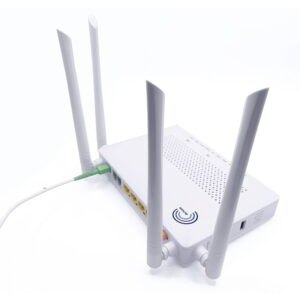
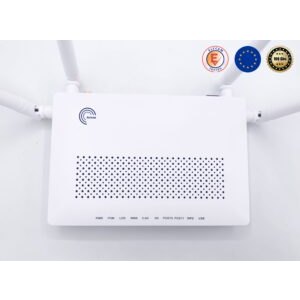
The ONU (Optical Network Unit) is the fiber optic modem : the device that terminates the fiber at the subscriber's premises and converts the light signal into an electrical Ethernet signal. Features :
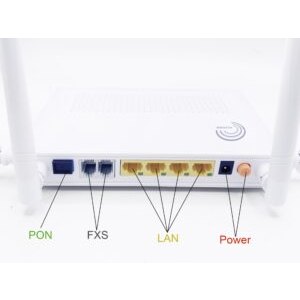
- Fiber side : SC/APC or LC/APC connector
- Electrical side : Ethernet RJ45 ports, sometimes POTS RJ11 (VoIP)
- Bidirectional conversion : optical ↔ electrical continuously
- FTTH/FTTB/FTTC mode : depending on where the ONU is placed in the PON network
See our detailed guide : What is an ONU and how many types are there ?.
What is a router ?
The router is the intelligent gateway that connects two or more networks :
- Analyzes the destination IP address of each packet
- Decides the best path based on a routing table
- Performs address translation (NAT) between the private LAN and the public Internet
- Provides security (firewall, DPI, URL filtering)
- Often supplies built-in WiFi (WiFi 5, 6, 6E, 7)
The router handles various protocols : Ethernet (LAN), TCP/IP (Internet), VoIP (voice), IGMP (TV multicast). It is mandatory in any home to share an Internet connection between several devices.
What is a switch ?
The switch is a port multiplier that connects several devices to the same local network (LAN). Unlike the router, it does not perform IP routing between networks : it simply directs Ethernet frames to the right port.
Three main families :
- Unmanaged switch : plug-and-play, no configuration. E.g. : 10G multi-port switch
- Managed switch : web/CLI interface, VLAN, QoS, monitoring
- PoE switch : powers IP cameras, WiFi 6 APs, VoIP phones over the Ethernet cable. E.g. : Elfcam PoE switches
Key differences between the three
| Criterion | ONU | Router | Switch |
|---|---|---|---|
| Main role | Terminate the fiber | Direct traffic between networks | Multiply the LAN ports |
| OSI layer | Physical (L1) | Network (L3) | Data link (L2) |
| Key protocol | GPON/EPON | TCP/IP, NAT | Ethernet |
| Ports | 1-4 Ethernet + 1 fiber | 1 WAN + 4 LAN + WiFi | 4-48 Ethernet ports |
| Built-in WiFi | Sometimes (HGU) | Yes (almost always) | No |
| IP routing | No | Yes | No |
| NAT / firewall | No (except HGU) | Yes | No |
| Mandatory? | Yes with FTTH | Yes | Optional (if few devices) |
Handy shortcut : ONU terminates the fiber, router directs the traffic, switch multiplies the ports. The three are complementary and not interchangeable.
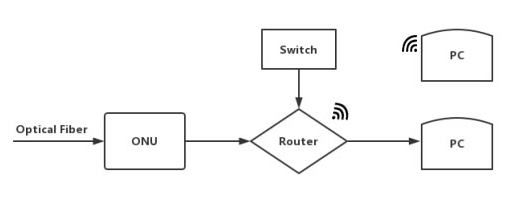
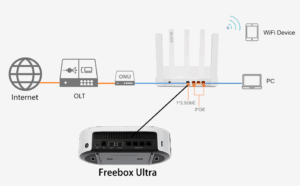
Complete chain : fiber → ONU → router → switch → devices
In a modern FTTH home network, the typical architecture is :
- Operator fiber from the NRO reaches your wall-mounted PTO
- An SC/APC patch cord links the PTO to the ONU (or HGU)
- The ONU provides 1 to 4 Gigabit Ethernet ports
- A WiFi 6 router connects the ONU to the LAN + WiFi network — or the routing is done directly in the HGU
- A PoE switch multiplies the ports if you have more than 4 wired devices
- End devices : PC, TV, consoles, IP cameras, outdoor WiFi APs
Worked example for a home with 15 connected devices :
- 1 ONU (or HGU supplied by the operator)
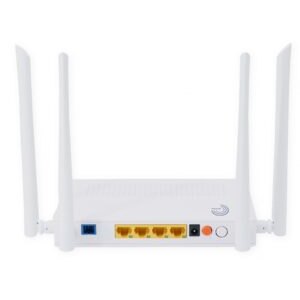
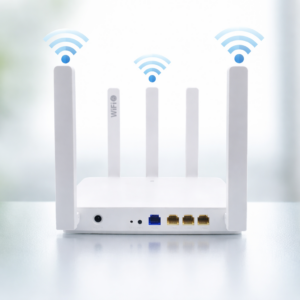
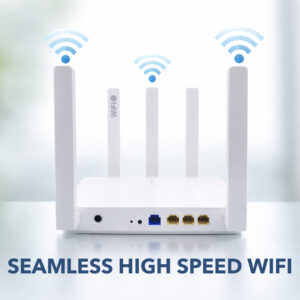
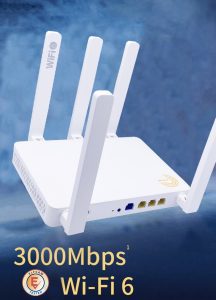
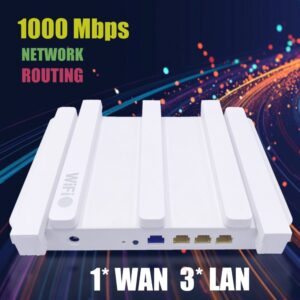
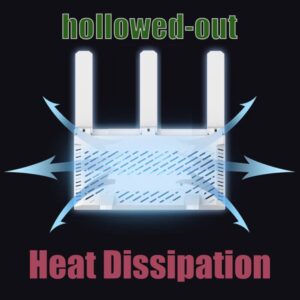
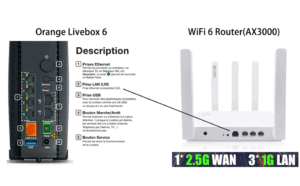
- 1 WiFi 6 Mesh AX3000 router with a 2.5 Gb WAN port (our model)
- 1 Gigabit 8-port PoE switch for cameras + APs + VoIP phone (Elfcam range)
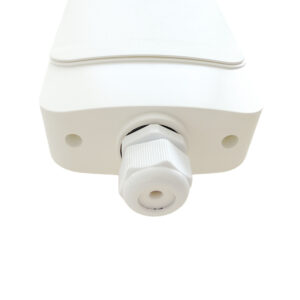
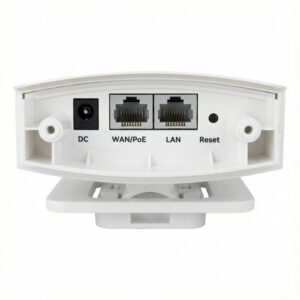
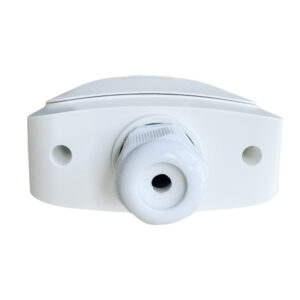
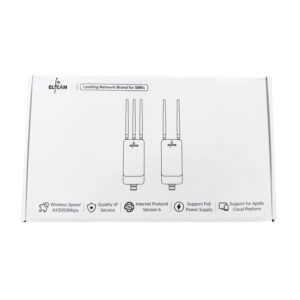
- 1 outdoor IP67 WiFi 6 AP for the garden (Elfcam AP)
- 1 additional 10G switch for professionals/NAS (10G models)
Which device for which use ?
Case 1 : 1- or 2-bedroom apartment, standard use (5-8 devices)
The operator box (HGU) is usually enough. It integrates ONU + router + WiFi. No need to add a switch unless you want more than 4 wired ports.
Case 2 : 100-150 m² home, 10-15 devices
Replace the operator box with a third-party WiFi 6 router : Elfcam Mesh AX3000. Add a switch if more than 4 RJ45 ports are needed.
Case 3 : 200+ m² home, 20+ devices, remote work
Complete architecture : HGU/ONU → WiFi 6 mesh router (3 nodes) → 8-port PoE switch → outdoor IP67 AP + cameras. Cat 6 Ethernet backhaul between mesh nodes.
Case 4 : SMB, home datacenter, pro NAS
ONU + pro router + 10G switch with multiple SFP+ ports + dedicated firewall (pfSense, OPNsense) + pro WiFi 6E/7 AP. Separate VLANs for client LAN, NAS, guests, cameras.
Recommended equipment for your configuration
- V-SOL WiFi 6 HGU — all-in-one ONU + router + WiFi
- WiFi 6 Mesh AX3000 router — complete upgrade from your operator box
- 4/8/16-port PoE switches — power cameras and APs over Ethernet
- 10G SFP+ switches — for a multi-gig home backbone
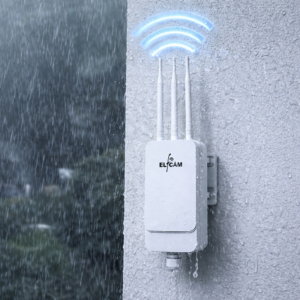
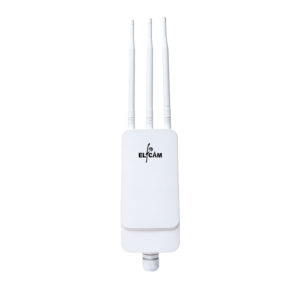
- Outdoor IP67 WiFi 6 AP — garden, terrace, outbuilding
- Cat 6/7/8 Ethernet cables — interconnection
FAQ — ONU, router, switch
1Does my operator box do everything ?
2Router vs switch, when to choose which ?
- Router : to connect your LAN to the Internet. Mandatory, only 1 per home
- Switch : to add extra LAN ports. Optional, several possible
3PoE or non-PoE switch ?
- Non-PoE : cheaper. Perfect if your devices have their own power supply (PC, TV, NAS)
- PoE : essential for IP cameras, outdoor IP67 WiFi 6 APs, VoIP phones. A single Ethernet cable = data + power
4Can I plug my box directly into a switch instead of a router ?
5How many devices max on a home network ?
- Entry-level operator box : 20-30 devices
- Consumer WiFi 6 router : 50-100 devices
- WiFi 6 mesh router : 150+ devices
- Pro router : 500+ devices
6Is a managed switch useful at home ?
7Is a 10G switch relevant for a home user ?
- 2-10 Gbps fiber is increasingly common (Freebox Ultra, Orange Pro, Bouygues Pure Fibre)
- Recent Synology/QNAP NAS with 10G ports
- Recent PCs with 10G cards
8Elfcam delivery and warranty ?
In summary
ONU, router and switch are not interchangeable : they play complementary roles in the chain that links the operator fiber to your devices. In modern FTTH :
- ONU/HGU : terminates the fiber
- WiFi 6 router : routes, NAT, WiFi (AX3000 Mesh)
- PoE switch : multiplies the wired LAN ports + powers cameras/APs (PoE range)
For standard home use, operator box + third-party mesh router. For advanced use, add a PoE switch or a 10G switch depending on your needs. The three devices work in harmony.

















