Mesh WiFi : is it the right choice for your home ?
Contents
You have a large home spread over several floors, your WiFi doesn't cover everything, your children working/studying online are saturating the bandwidth ? Mesh WiFi is often presented as the miracle solution. Is that really the case ?
This guide explains how mesh works, its real advantages compared to traditional repeaters, and the cases where another solution (PoE, internal fibre, powerline) will be more effective.
How does a mesh WiFi system work ?
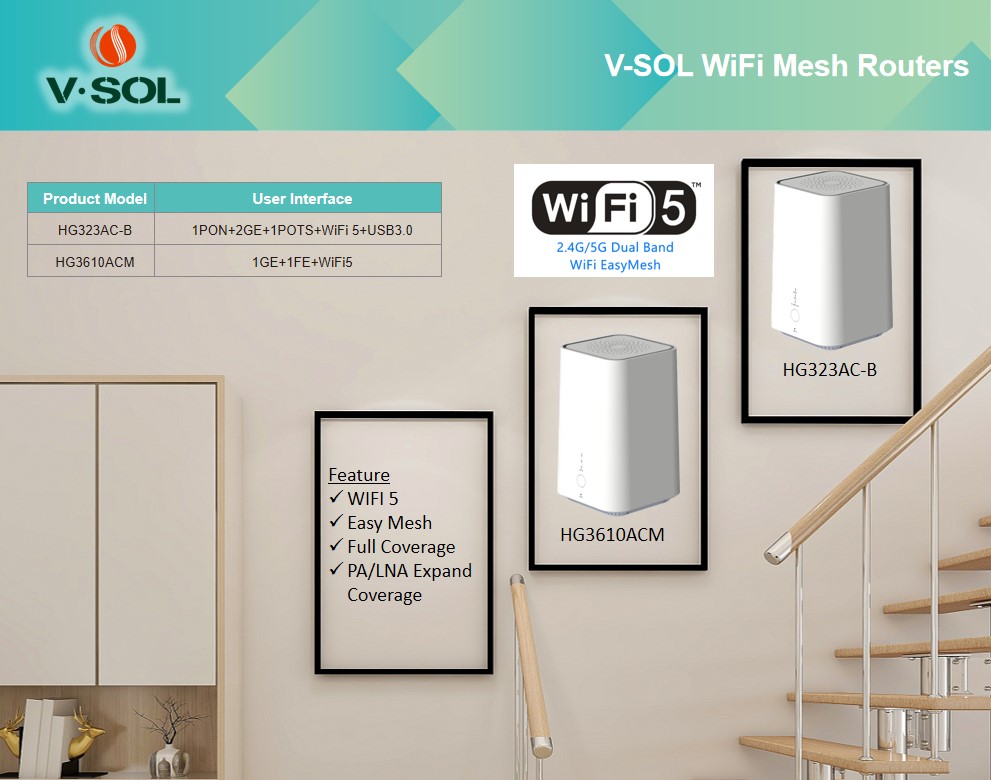
Mesh WiFi is based on a simple principle : instead of having a single central router trying to cover the whole home, you install several small access points (satellites) scattered throughout the dwelling. They communicate with each other and with the main router via a dedicated backhaul (radio or Ethernet).
- The main router connects to your box or ONT
- The mesh satellites are deployed in poorly covered rooms
- They create a single SSID across the whole home
- Your phone or laptop automatically connects to the nearest satellite
Key difference from a traditional repeater : mesh uses a dedicated backhaul that doesn't share client bandwidth. The result : no halving of throughput like on a traditional repeater.
Advantages of mesh WiFi
1. Uniform and extended coverage
A typical mesh system covers 400-600 m² with 2-3 satellites, versus 100-200 m² for a router alone. Ideal for :
- Homes over several floors (200 m²+)
- L- or U-shaped dwellings with load-bearing walls
- Homes with a converted basement/attic
- Extensive gardens/terraces
2. Speed maintained everywhere
Unlike the traditional repeater, which halves the bandwidth at every hop, mesh maintains consistent throughput thanks to the dedicated backhaul (often a 3rd WiFi band at 5 GHz or 6 GHz invisible to clients).
3. Seamless roaming
When you move from one room to another, your device switches automatically to the nearest satellite, with no drop or manual reconnection. The 802.11k/v/r protocols ensure a smooth handover.
4. Centralised management via mobile app
Configuration and monitoring via a smartphone app : adding devices, parental controls, pausing the WiFi, usage statistics. Far simpler than a traditional router web interface.
5. Smart home integration
Many mesh systems integrate Alexa, Google Assistant or a Zigbee/Z-Wave hub to control your connected home.
Mesh vs repeater (extender) : comparison
| Criterion | Mesh WiFi | Repeater (Extender) |
|---|---|---|
| SSID | Single across all satellites | Separate SSID (often _EXT) |
| Relayed throughput | Maintained (dedicated backhaul) | Halved per hop |
| Roaming | Automatic & seamless | Manual, drops |
| Configuration | Mobile app, plug & play | Sometimes complex web interface |
| Coverage | 400-600 m² (3 satellites) | +30-50% of router alone |
| Price | 200-500 € (2-3 nodes) | 30-80 € per unit |
| Scalability | Simple to add satellites | Multiplying SSIDs |
| Ideal for | Home > 150 m² or multi-floor | Small flat, isolated spot |
When is mesh WiFi really useful ?
Choose a mesh system if :
- Area > 150 m² or home on 2-3 floors
- Stone, concrete or thick plaster walls that block the signal
- Several WiFi dead zones identified
- 15+ devices connected simultaneously (connected household)
- Need for smooth roaming (video calls while moving around)
Mesh is not justified if :
- Flat < 100 m² with WiFi already good
- A single isolated dead zone → a basic repeater is enough (30 €)
- You can run an Ethernet cable to the distant point (better and cheaper)
- Very tight budget
Mesh installation and configuration
- Connect the main router to your box/ONT via Ethernet
- Install the manufacturer's smartphone app (Google Home, eero, TP-Link Deco, ASUS Router…)
- Guided setup : SSID, password, security choice (WPA3 recommended)
- Place the satellites halfway between the router and the dead zones
- Coverage tests : the app shows the signal between nodes, optimise the placement
- Automatic firmware update enabled
Pro tip : Ethernet backhaul
If possible, link the mesh satellites to each other via Cat 6 Ethernet cable instead of WiFi. This fully frees the WiFi band for clients and improves performance. This is the "wired backhaul" mode supported by eero, Google Nest WiFi, ASUS ZenWiFi.
Securing your mesh WiFi
- Change the default admin password of the system (never "admin/admin")
- Enable automatic updates of the firmware (critical security)
- Rename the SSID with a non-identifiable name (not your address, not your name)
- Enable WPA3 if compatible (otherwise WPA2-AES only)
- Separate guest network with a distinct password (isolating private data)
- Disable WPS (major security flaw)
- Check connected devices regularly via the app
Alternatives to mesh : PoE, fibre, powerline
Option 1 : PoE Ethernet access points
For a large home or a professional space, install WiFi access points powered by PoE via Ethernet cable :
- Maximum performance (no WiFi backhaul)
- Professional roaming (centralised management)
- Scalable (adding PoE switches)
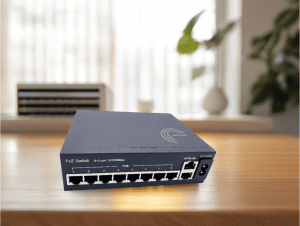
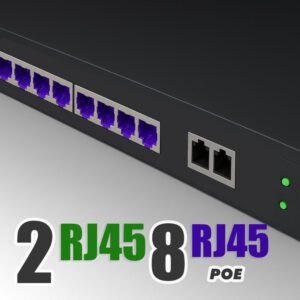
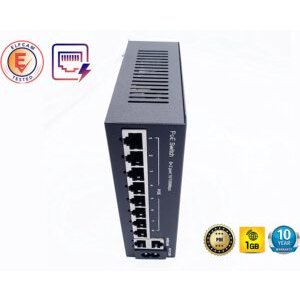
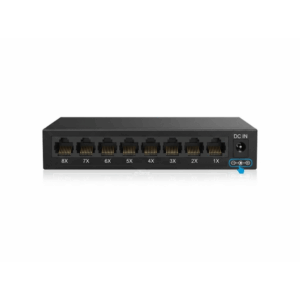
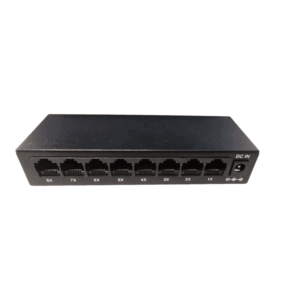
See our compatible WiFi AP PoE switches.
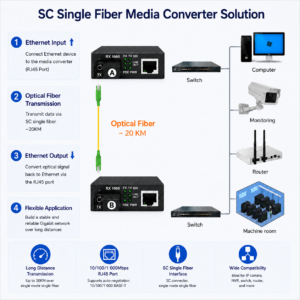
Option 2 : Internal optical fibre
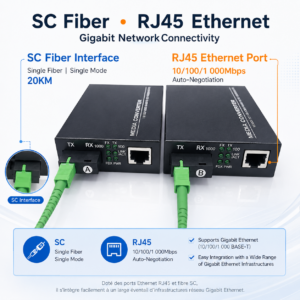
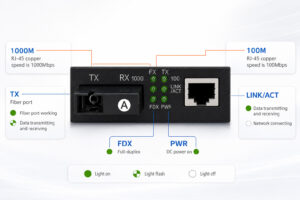
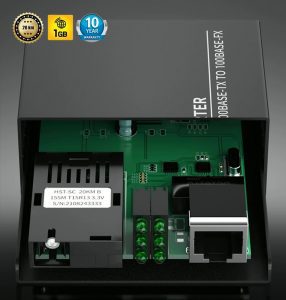
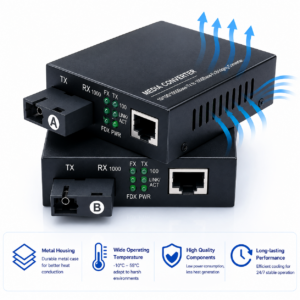
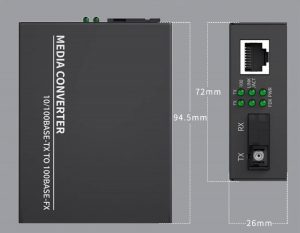
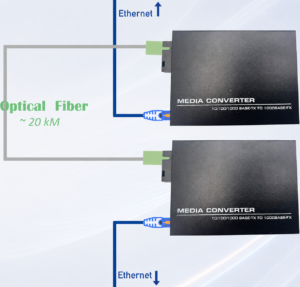
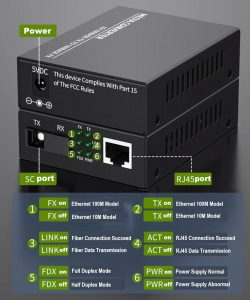
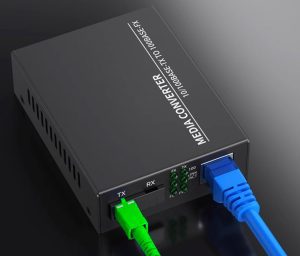
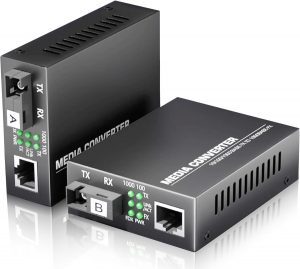
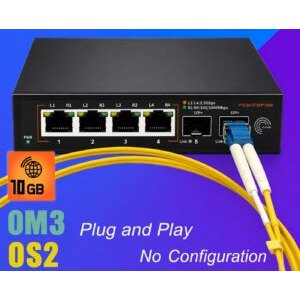
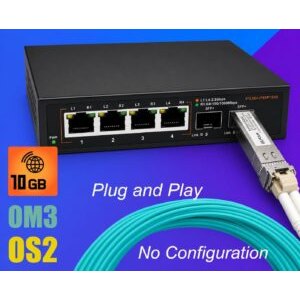
To link two buildings or a distant point via an indoor fibre + fibre to Ethernet converters. Low latency, unlimited distance (more than 100 m).
Option 3 : Powerline (Power Line Communication)
Uses the home's electrical wiring to carry Internet. A stopgap solution :
- Advantage : no cable to run
- Drawback : highly variable throughput depending on electrical quality (10-200 Mbps real)
- Inferior to modern mesh
Elfcam solutions for an optimised home network
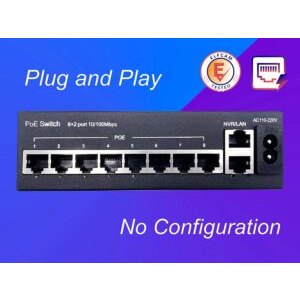
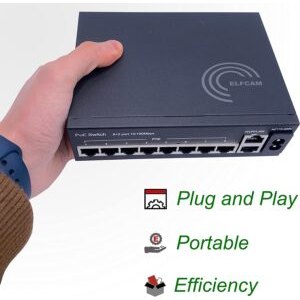
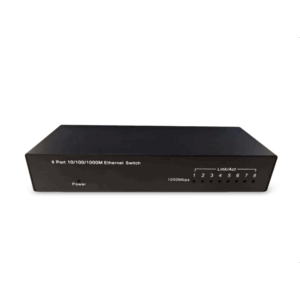
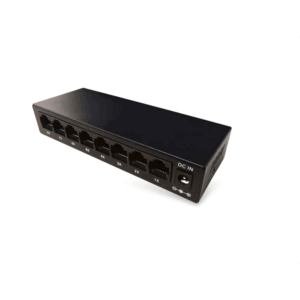
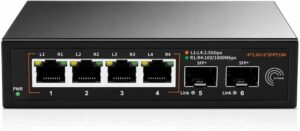
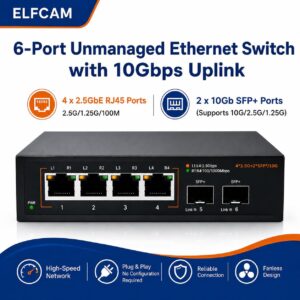
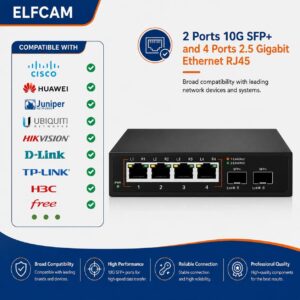
- PoE switches to power your WiFi access points
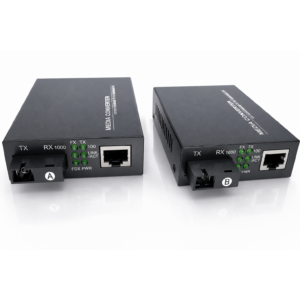
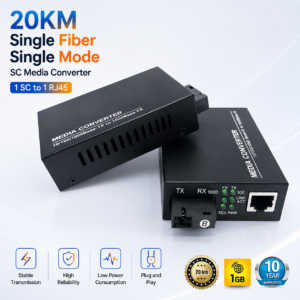
- Fibre to Ethernet converters to extend beyond 100 m
- Cat 6/7/8 Ethernet cables for wired backhaul
- WiFi 7 cards Intel BE200 for desktop PC

FAQ — mesh WiFi
1Mesh WiFi or repeater, which to choose ?
2How many mesh satellites do I need ?
- Home < 150 m² 1 level : 2 nodes (router + 1 satellite)
- 150-300 m² or 2 floors : 3 nodes
- > 300 m² or 3 floors : 4-5 nodes
3Mesh WiFi 6 or WiFi 7 : which to buy ?
4Mesh or professional PoE access points ?
Pro PoE AP (Ubiquiti UniFi, TP-Link Omada) : superior performance, centralised management, scalable without limit. Recommended for :
- Large homes (> 300 m²)
- SME offices
- Hospitality, campsites, restaurants
5Does mesh affect latency in gaming ?
6How much does a mesh system cost ?
- Entry-level WiFi 6 (TP-Link Deco X20, Mercusys Halo) : 150-200 € for 2-3 nodes
- Mid-range WiFi 6E (Asus ZenWiFi, Netgear Orbi) : 300-500 € for 3 nodes
- High-end WiFi 7 (eero Max 7, Asus BE96U) : 800-1500 € for 3 nodes
7My powerline is enough, should I switch to mesh ?
8Where to buy my network equipment ?
In summary
Mesh WiFi is the right choice for homes > 150 m² or those with several dead zones. For a standard flat, a good router or a basic repeater is enough. For professional needs, favour PoE APs with centralised management.
For high-performance wired backhaul, use our Elfcam Cat 6 Ethernet cables and PoE switches. To extend beyond 100 m, fibre/Ethernet converters.

















