How to identify the color code of optical fibers ?

Contents
On a multi-strand optical fiber cable, each individual fiber is coded with a specific color. This is not decorative : it is the only way to quickly identify the type of fiber (single-mode / multimode OM3 / OM4), the position within the cable (fiber 1 to 12, 13 to 24...) and to avoid costly connection errors.
This guide explains the EIA/TIA-598 standard, the global reference for color coding in telecoms, and how to apply it in the field to identify your cables, your connectors and your modules.
Why a color code on optical fibers ?
In a multi-fiber cable (6, 12, 24, 48, 96 fibers or more), all fibers look physically alike : a glass strand of 125 µm surrounded by a polymer coating. They cannot be distinguished with the naked eye. The color coding solves this problem in three dimensions :
- Identify the type of fiber (single-mode OS2, multimode OM3, OM4) via the color of the outer jacket
- Locate the position of each fiber within the cable (fiber #1 blue, fiber #2 orange, etc.) for error-free splicing
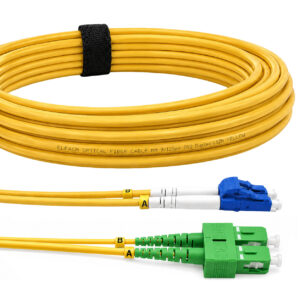
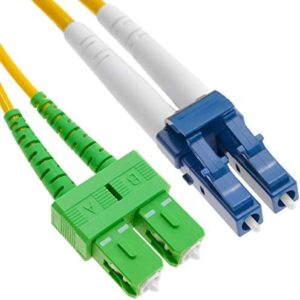
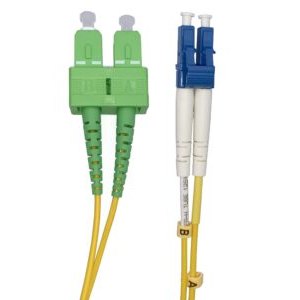
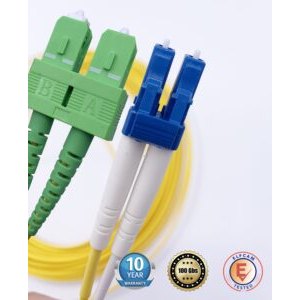
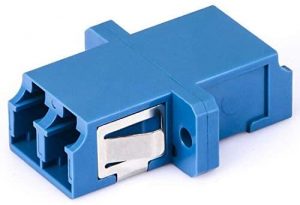
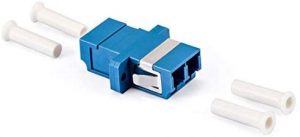
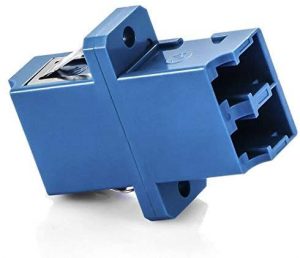
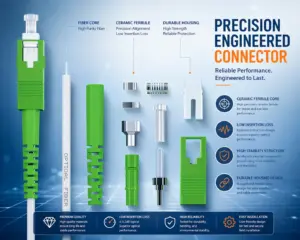
- Distinguish the connector type (APC green, UPC blue) to avoid incompatibilities
A color error costs on average 30 to 60 minutes of operational loss per misconnected fiber — not counting the risk of permanently degrading the optical signal.
The EIA/TIA-598 standard: global reference
The EIA/TIA-598 standard (Electronic Industries Alliance / Telecommunications Industry Association) is the international reference that defines the color coding of optical fibers in telecommunications. It is followed by nearly all fiber cable manufacturers (Corning, Prysmian, CommScope, Draka, Elfcam...).
This standard covers three elements :
- The outer jacket of the cable — indicates the type of fiber
- The individual fibers — identifies the position within a group of 12
- The tubes and sub-groups — identifies the groups of 12 fibers within a larger cable
Color code of the outer jacket
The color of the outer jacket makes it possible to identify at a glance the type of fiber inside :
| Type of fiber | Jacket color (civil) | Jacket color (military) | Nomenclature |
|---|---|---|---|
| OM1 62.5/125 µm Multimode | Orange | Slate | 62.5/125 |
| OM2 50/125 µm Multimode | Orange | Orange | 50/125 |
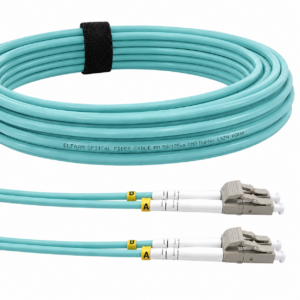
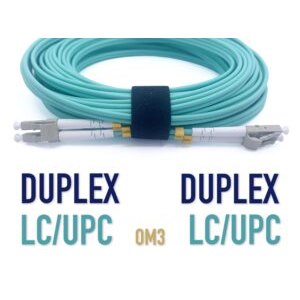
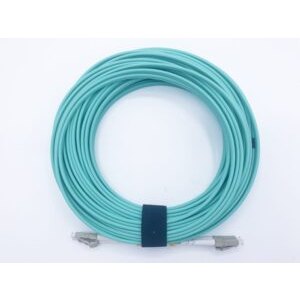
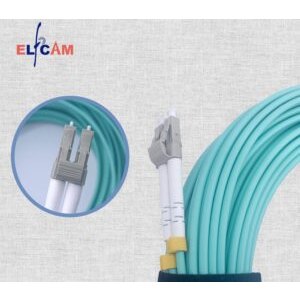
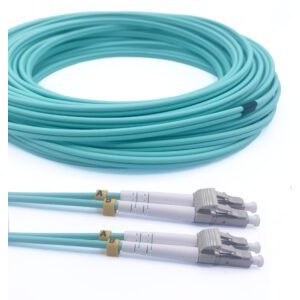
| OM3 50/125 µm (850 nm laser) | Aqua (turquoise) | Undefined | 850 LO 50/125 |
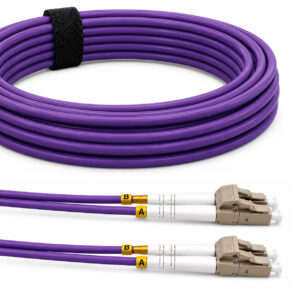
| OM4 50/125 µm (850 nm laser) | Aqua or Violet | Undefined | 850 LO 50/125 |
| OM5 50/125 µm WBMMF | Lime green (Lime) | Undefined | WBMMF |
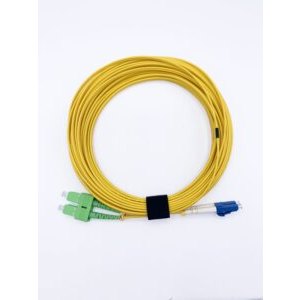
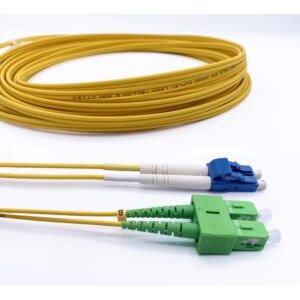
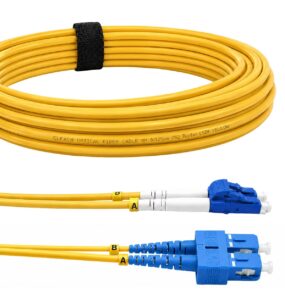
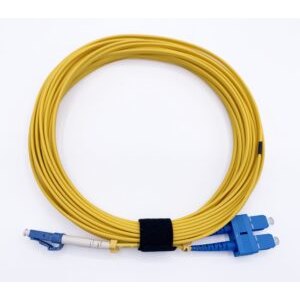
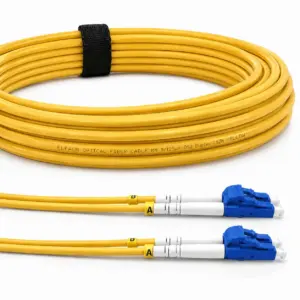
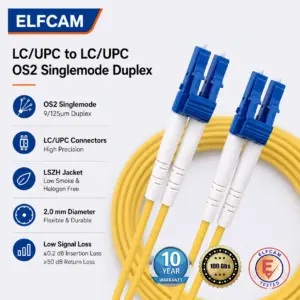
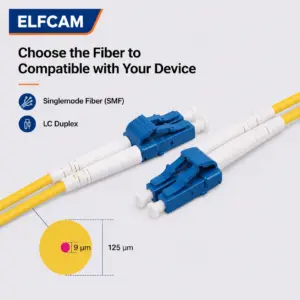
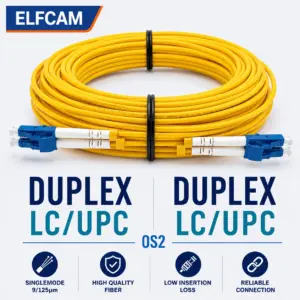
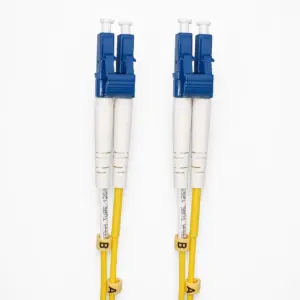
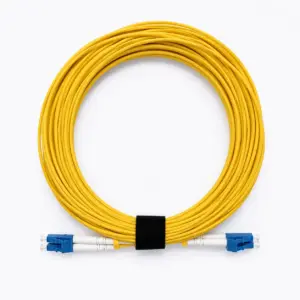
| OS1 / OS2 Single-mode | Yellow | Yellow | SM / NZDS |
| Polarization-maintaining fiber (PM) | Blue | Undefined | PM |
Mnemonic rule : Yellow = single-mode (long distance), Aqua = multimode OM3/OM4 (short-distance datacenter), Orange = OM1/OM2 (old multimode). If you find an orange cable in a recent installation, be wary — it is probably old, less efficient OM1/OM2.
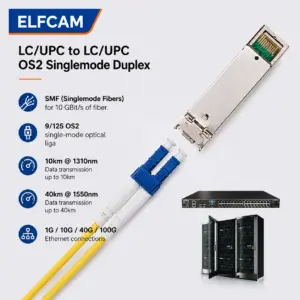
Elfcam patch cords and cables according to fiber type
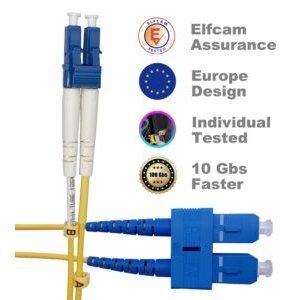
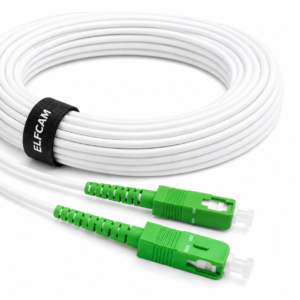
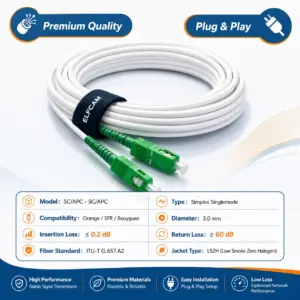
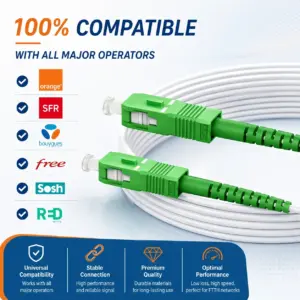
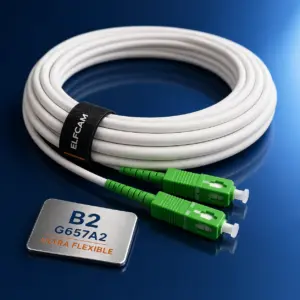
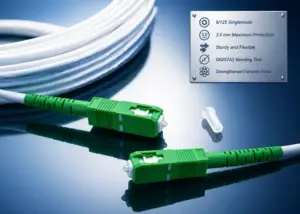
- Ref 319 — SC/APC patch cord single-mode OS2 (yellow or white jacket Orange/SFR/Bouygues)
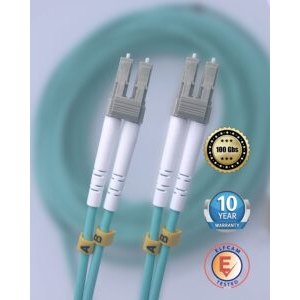
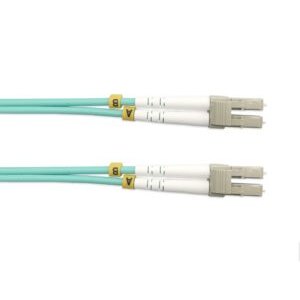
- Ref 400 — LC/UPC cable OM3 multimode duplex (aqua jacket)
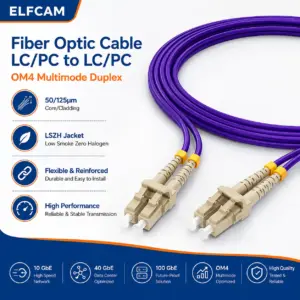
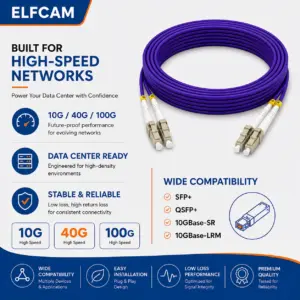
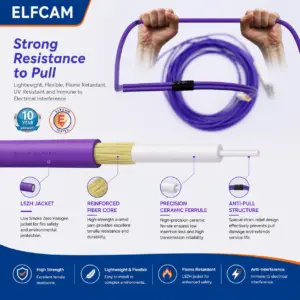
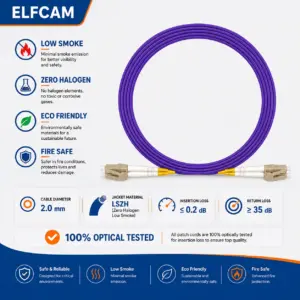
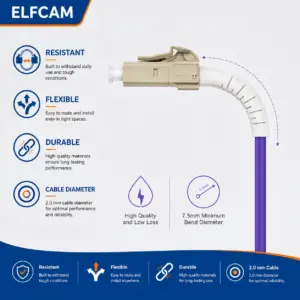
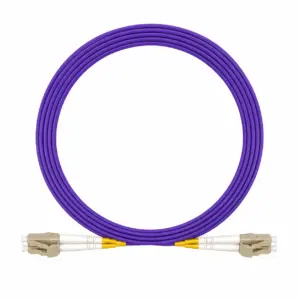
- Ref 1410 — LC/UPC cable OM4 multimode duplex (aqua/violet)

Order of the 12 internal fibers of a multi-strand cable
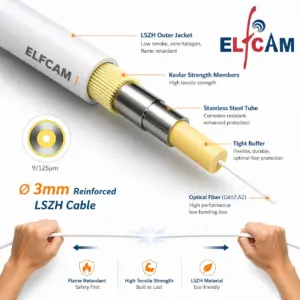
Inside a cable, each individual fiber is surrounded by a colored coating following a standardized sequence. For a group of 12 fibers (the base unit in the industry), the order is :
| No. | French color | English color | Hex code |
|---|---|---|---|
| 1 | Blue | Blue | #0047BB |
| 2 | Orange | Orange | #FF6900 |
| 3 | Green | Green | #009A44 |
| 4 | Brown | Brown | #7B3F00 |
| 5 | Slate gray | Slate | #708090 |
| 6 | White | White | #FFFFFF |
| 7 | Red | Red | #C8102E |
| 8 | Black | Black | #000000 |
| 9 | Yellow | Yellow | #F2A900 |
| 10 | Violet | Violet | #722F7C |
| 11 | Pink | Pink / Rose | #EC407A |
| 12 | Aqua (turquoise) | Aqua | #00AFAA |
Counting rule
In a multi-strand cable, the counting of fibers is done clockwise when looking at the face of the cable. The first blue fiber is fiber no. 1, then you advance in the order of the table above.
For cables with more than 12 fibers, the same sequence is repeated but the fibers are grouped into tubes (buffer tubes), themselves colored according to the same order (blue = tube 1 containing fibers 1-12, orange = tube 2 containing fibers 13-24, etc.).
Color of connectors : SC, LC, FC, MPO
The color of the connector housing indicates the type of ferrule polish, which determines optical compatibility :
| Connector color | Type | Meaning | Usage |
|---|---|---|---|
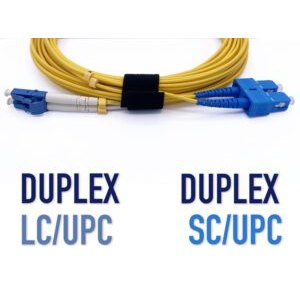
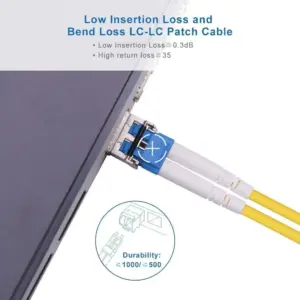
| Blue | UPC | Ultra Physical Contact — straight polish | Datacenter, Ethernet, dark fiber |
| Green | APC | Angled Physical Contact — 8° polish | PON/GPON/FTTH operators |
| Black | PC | Physical Contact (obsolete) | Old installations |
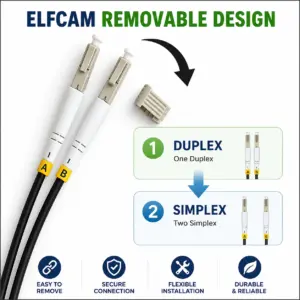
| Beige | Multimode | Often on multimode LC connectors | OM3/OM4 datacenters |
| Aqua | OM3/OM4 multimode LC | Laser-optimized multimode | 10G/40G/100G LAN |
Critical rule: NEVER mix UPC and APC
A UPC (blue) connector plugged into an APC (green) adapter — or vice versa — may fit mechanically but generates catastrophic losses (>60 dB) and can permanently damage the ferrule. ALWAYS check that both ends of a link have the same color/polish.
Practical identification cases
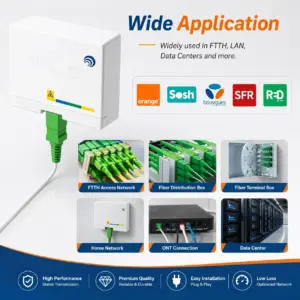
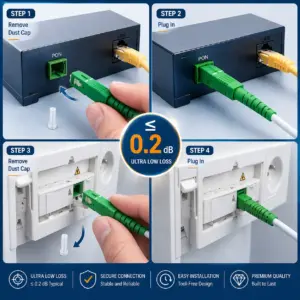
Case 1 — Home FTTH installation : the cable coming from the PBO is generally 2 or 4 single-mode fibers (white or yellow jacket depending on the manufacturer). The internal fibers follow the order blue-orange-green-brown. The connector is green (SC/APC) for GPON France.
Case 2 — 10G datacenter : multi-strand OM3 cable (aqua jacket), LC blue connectors (UPC). Typically 12 or 24 fibers in a pre-terminated MPO/MTP module.
Case 3 — Operator inter-building link : single-mode cable of 96 or 144 fibers (black or yellow jacket). Fibers organized in tubes of 12, each tube of a different color. SC/APC connectors (green) on the rack side.
Common mistakes to avoid
- Confusing OM3 (aqua) with PM (blue) : polarization-maintaining fiber is very rare and much more expensive. Check the printed nomenclature if in doubt.
- Mistaking an orange jacket for OM3 : orange = OM1/OM2 (old). OM3/OM4 = aqua. Do not mix.
- Splicing without respecting the order of colors : blue-blue, orange-orange... The inversion creates a "crossover" that may work but makes troubleshooting very difficult.
- Plugging a blue connector (UPC) into a green adapter (APC) : destructive, absolutely to be avoided.
- Ignoring the sub-groups of 12 in a large cable : fiber #13 is not "fiber 1 second row", it is the first fiber of the orange tube. Count in groups of 12.
FAQ — Color code of optical fibers
1Why is the outer jacket sometimes white instead of yellow/aqua ?
2How to count the fibers in a 96-strand cable ?
3What is the difference between Aqua and Violet for OM4 ?
4How to identify a UPC vs APC connector in a photo ?
APC = green housing, ferrule polished at 8° (bevel visible in grazing light).
If the color is ambiguous (gray, beige), look at the ferrule : a slight visible angle = APC.
5Does the French standard differ from the EIA/TIA-598 standard ?
6Is there a color code for SFP modules ?
7What to do if an internal fiber is a non-standard color ?
- Visually identify the position via the nomenclature printed on the jacket
- Use a fiber tracer (red visual locator) to check each fiber individually
- Use an OTDR to map the complete link
8Where to buy fiber cables certified EIA/TIA-598 ?
In summary
The EIA/TIA-598 color code is the key to identifying, connecting and maintaining optical fiber infrastructures without error. Remember : yellow = single-mode, aqua = multimode OM3/OM4, orange = old multimode. For connectors : blue = UPC, green = APC, never mix.
Check out our range of optical fiber patch cords, pre-spliced pigtails and adapters compliant with EIA/TIA-598 for your installations.